Video tutorials

myAudi
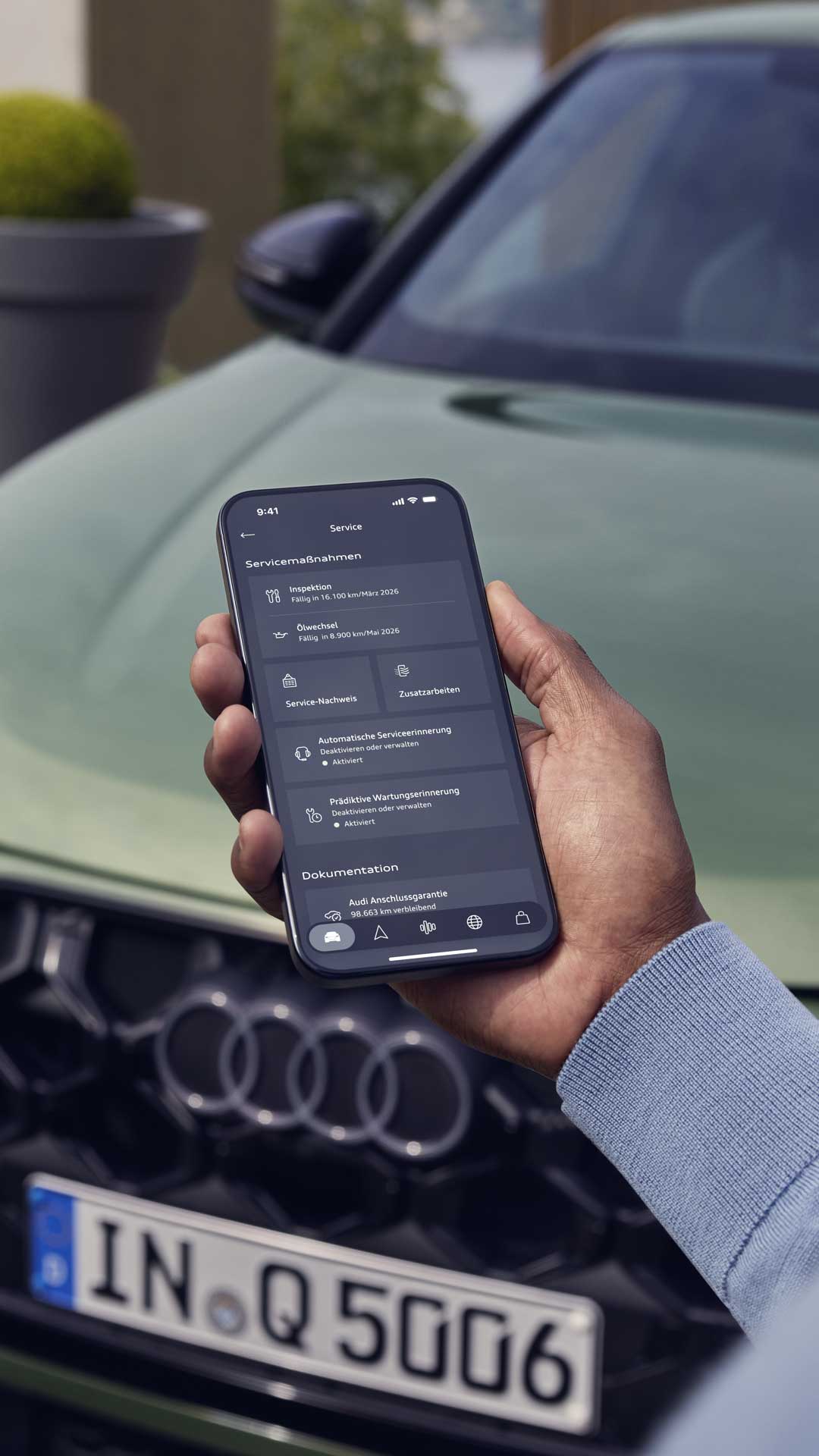
A man's hand reaches into the picture from below. He is holding a smartphone in his hand, whose display shows service functions. A green Audi Q5 is blurred in the background.

myAudi*

Your myAudi account is your access to Audi’s digital services. In our videos, you will learn how to connect the myAudi app* with your Audi and get the most out of it. We show you the necessary steps for calling up vehicle data, controlling functions remotely and how you can enjoy maximum comfort and convenience. You will discover, for example, how to integrate myAudi with Apple CarPlay* or how to set up your smartphone* as a digital vehicle key*.

A woman's hand reaches into the picture from the right. She is holding a smartphone in her hand, whose display shows features offered by the Q6 e-tron. A green Audi Q6 e-tron stands blurred in the background.

Setting up the myAudi app*.

Connect the vehicle with the myAudi app* to use digital services and functions.

Interior shot of an Audi cockpit from the side through the driver's door. The focus is on the passenger display. The centre console, steering wheel and other displays can be seen in the background.

Integrating myAudi in Apple CarPlay*.

Use the myAudi app* directly with Apple CarPlay*. Access radio stations, air conditioning, Apple Music* or ambient lighting* – all in one application. Arrange the dashboard to suit your preferences.

Loading..